GRIB2 要素由三个数字 (GRIB Key) 确定:
discipline
parameterCategory
parameterNumber
例如
| name | discipline | parameterCategory | parameterNumber |
|---|---|---|---|
| temperature | 0 | 0 | 0 |
| geopotential height | 0 | 3 | 5 |
| u component of wind | 0 | 2 | 2 |
| v component of wind | 0 | 2 | 3 |
更多要素编码可以参考 ECMWF 的 Parameter Database。
load_field_from_file() 函数中的 parameter 参数支持字符串和字典两种格式。
import numpy as np
import pandas as pd
import xarray as xr

from reki.data_finder import find_local_file
from reki.format.grib.eccodes import load_field_from_file
/home/wangdp/project/cedarkit/notebook-project/notebook-devel/repo/cedarkit-notebook-project/cedarkit-notebook/.venv/lib/python3.14/site-packages/gribapi/__init__.py:23: UserWarning: ecCodes 2.42.0 or higher is recommended. You are running version 2.34.1
warnings.warn(
# 数据环境配置:使用本地数据目录(可用环境变量 CEDARKIT_NOTEBOOK_DATA_ROOT 覆盖)
from cedarkit_notebook.data import get_data_root, get_dataset_query

DATA_CLASS = "cmadaas"
STORAGE_BASE = str(get_data_root())
# 起报时次与预报时效固定为本地已下载数据(见 data/metadata/cma-gfs.yaml)
query = get_dataset_query("cma-gfs")
start_time = pd.to_datetime(query["start_time"], format="%Y%m%d%H")
forecast_time = pd.to_timedelta(query["forecast_time"])

gfs_grib2_orig_file_path = find_local_file(
    "cma_gfs_gmf/grib2/orig",
    start_time=start_time,
    forecast_time=forecast_time,
    data_class=DATA_CLASS,
    storage_base=STORAGE_BASE
)
gfs_grib2_orig_file_pathPosixPath('/home/wangdp/project/cedarkit/notebook-project/notebook-devel/repo/cedarkit-notebook-project/cedarkit-notebook/data/DATA/NAFP/NMC/GRAPES-GFS-GLB/2026/20260725/Z_NAFP_C_BABJ_20260725000000_P_NWPC-GRAPES-GFS-GLB-02400.grib2')ecCodes shortName
GRIB2 是表格驱动的数据格式,数据文件中保存的元信息通常为数字形式,需要从数据文件之外的表格中查找数字对应的含义。 ecCodes 内置了一系列要素名,即 shortName,可以用来表示特定的要素场名称。
例如下面代码使用 grib_ls 命令列出 GRIB2 文件中的所有要素场信息,其中 shortName 可以作为 parameter 参数使用。
grib_ls -P count "{gfs_grib2_orig_file_path}"使用 ecCodes 的 shortName 可以用来检索要素场:
field = load_field_from_file(
    gfs_grib2_orig_file_path,
    parameter="acpcp",
)
field.plot()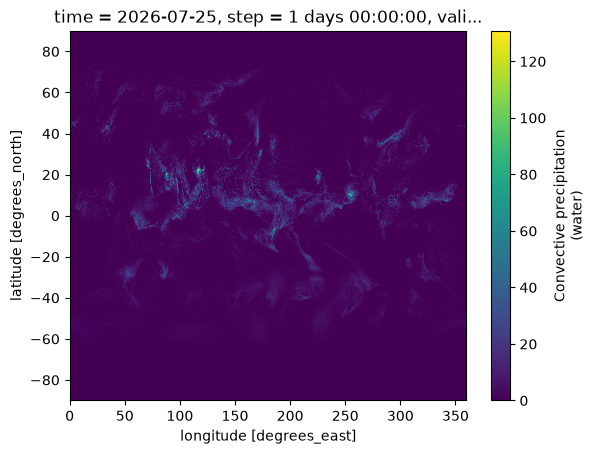
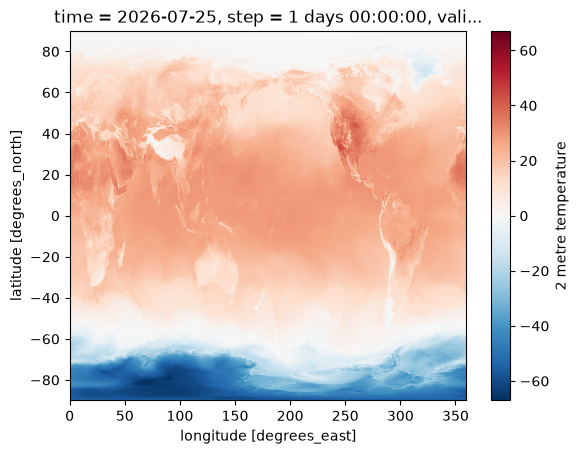
field = load_field_from_file(
    gfs_grib2_orig_file_path,
    parameter="2t",
) - 273.15
field.plot()
WGRIB2
reki 也内置了 WGRIB2 使用的要素表格,支持 WGRIB2 要素名。
wgrib2 命令会打印 GRIB2 文件中的要素清单。
wgrib2 "{gfs_grib2_orig_file_path}"使用 WGRIB2 要素名称加载要素场:
field = load_field_from_file(
    gfs_grib2_orig_file_path,
    parameter="TMP",
    level_type="heightAboveGround",
    level=2,
) - 273.15
field.plot()
field = load_field_from_file(
gfs_grib2_orig_file_path,
parameter="APCP"
)
field.plot()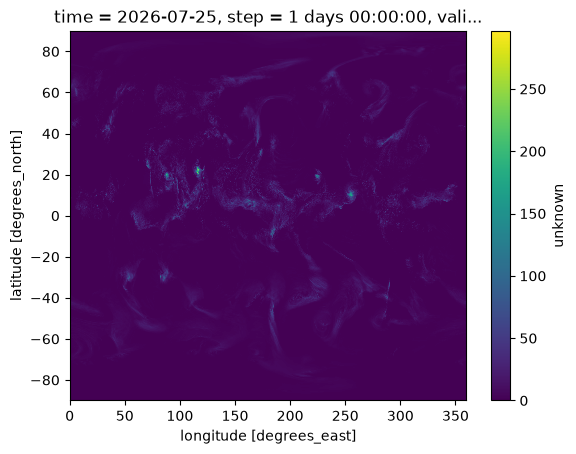
CEMC要素清单
reki 内置了 CEMC 的要素清单,支持 CEMC 自定义的变量名。
import pandas as pd

from reki.format.grib.config import get_param_registry

registry = get_param_registry()
rows = []
for (discipline, category, number), entry in registry.items():
    rows.append({
        "name": entry["name"],
        "discipline": discipline,
        "category": category,
        "number": number,
        "wgrib2_name": entry.get("wgrib2_name"),
    })
param_table = pd.DataFrame(rows)
param_table.head(n=10)
Loading...
使用 CEMC 要素名可以方便地加载一些 CEMC 定义的变量。 下面代码加载辐射亮温(红外通道)要素场:
field = load_field_from_file(
    gfs_grib2_orig_file_path,
    parameter="bti"
)
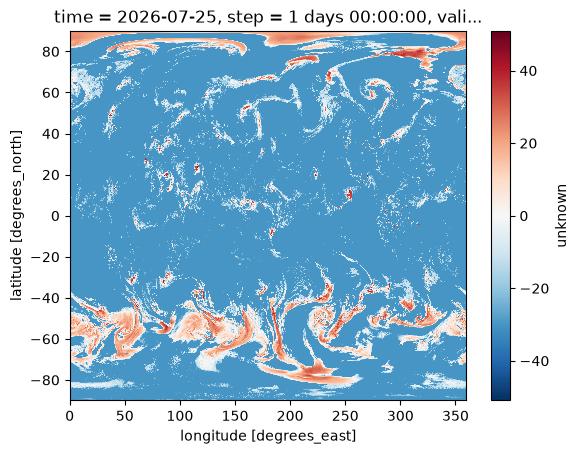
field.plot()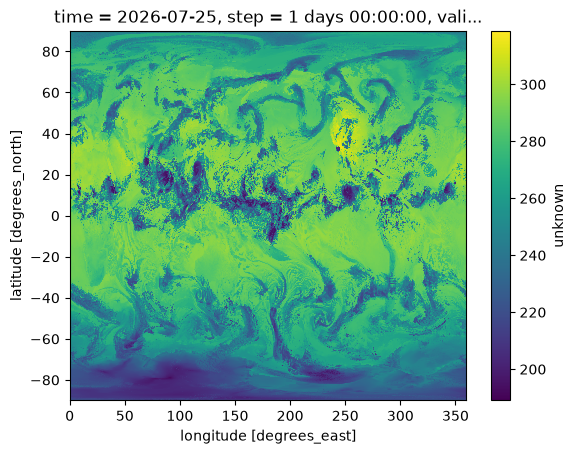
加载 2 米温度场
field = load_field_from_file(
    gfs_grib2_orig_file_path,
    parameter="t2m"
) - 273.15
field.plot()
加载 0-3km 垂直风切变
field = load_field_from_file(
    gfs_grib2_orig_file_path,
    parameter="shr(0-3000)"
)
field.plot()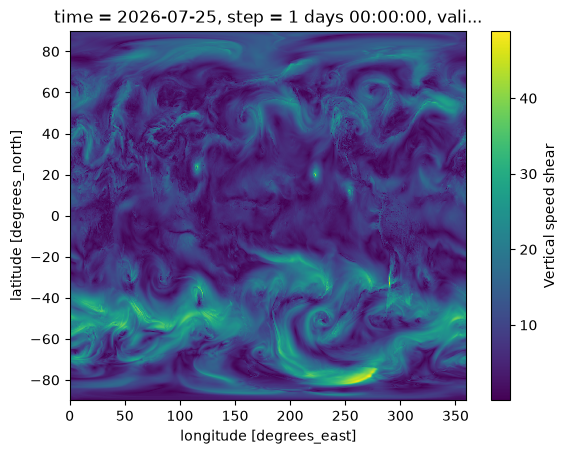
字典格式
parameter 参数可以直接设置字典格式的 GRIB Key。
比如雷达反射率的编码如下:
discipline = 0
parameterCategory = 16
parameterNumber = 225
field = load_field_from_file(
gfs_grib2_orig_file_path,
parameter={
"discipline": 0,
"parameterCategory": 16,
"parameterNumber": 225,
},
level_type="pl",
level=850
)
field.plot()